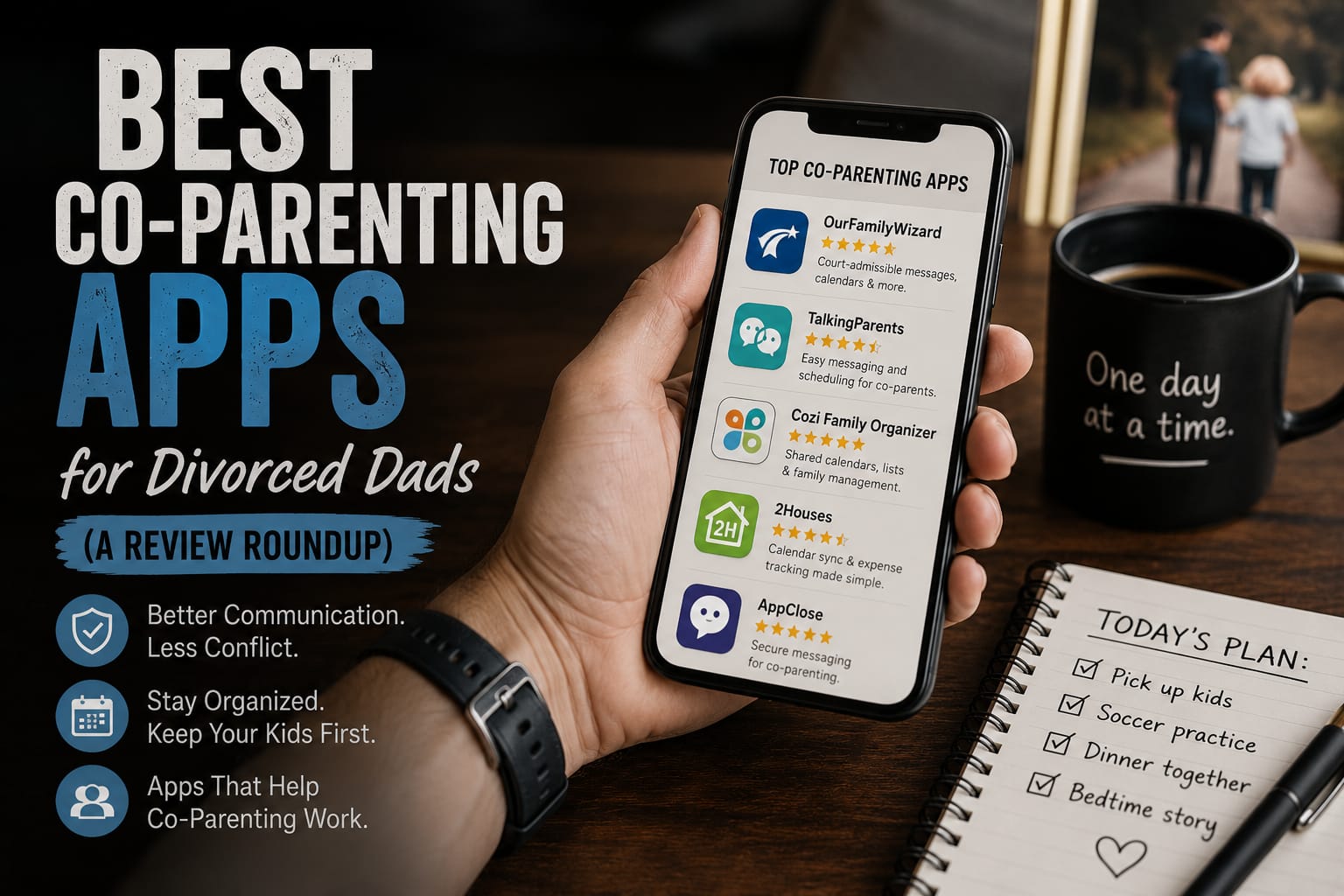
Best Apps for Divorced Parents: Co-Parenting Picks
Updated October 20, 2026
Key takeaways
- High conflict? Use OurFamilyWizard or TalkingParents. Their records are built to hold up in court.
- Getting along fine? A lower-cost plan or a shared Google Calendar is plenty. Most apps have dropped their free plans, so check current pricing before you commit.
- The real win is moving communication out of texts and into one calm, documented place.
- Whatever you pick, you both have to use it. Agree on it together, or put it in the parenting plan.
If every schedule change turns into an argument and every text thread becomes evidence, a co-parenting app can genuinely make your life easier. The right one moves all the logistics into one calm, documented place, so you spend less energy fighting and more energy actually parenting. Here are the apps divorced dads bring up most, what each is good at, and how to pick.
How to choose a co-parenting app
Before comparing features, be honest about which situation you are in. It changes the answer completely.
- High conflict: you need documentation above all. Look for tamper-proof records, time stamps, and tone filters.
- Workable but messy: you mostly need a shared calendar and a clean way to split expenses.
- Low conflict: honestly, a shared calendar and a spreadsheet may be all you need.
Also check the cost (some charge per parent), whether your ex will actually use it, and whether your attorney or court has a preference.
The best co-parenting apps for dads
| App | Price (checked October 2026) | Free trial or waiver | Best for |
|---|---|---|---|
| OurFamilyWizard | About $110 to $300 a year per parent (Basic to Max) | No free tier; fee waiver | High conflict, court records |
| TalkingParents | $7 to $32 a month (Essentials to Ultimate) | No free plan; fee waiver | A bulletproof message record |
| AppClose | $7.99 a month on the web, $83.88 prepaid for a year | 60-day trial, no card; fee waiver | Best value, every feature in one plan |
| 2houses | $169.99 a year or $14.17 a month, per family | 14-day trial | Organizing expenses and information |
| Coparently | Check the company site for current pricing | Trial offered | Simple all-rounder |
| Cozi | Free (Gold is $39 a year) | Free plan | A shared family calendar only |
Prices are what each company listed in October 2026. They change often, so confirm on the company’s own site before you subscribe.
1. OurFamilyWizard: best for high-conflict co-parenting
The most established name in the space, and the one courts are most likely to recognize. It has a message board with a tone-checking feature, a shared calendar, expense tracking, and an unalterable record of everything. Attorneys can be given view access.
- Best for: high-conflict situations and anyone who may end up back in court.
- Watch out for: every parent needs their own paid subscription (one parent can pay for the other). Plans run from about $110 a year for Basic to about $300 a year for Max, the tier with call recording and transcripts. There is no free tier, though fee waivers exist for parents in financial need.
2. TalkingParents: best for a bulletproof record
Built around accountability. Every message is recorded and cannot be edited or deleted, and you can order certified transcripts for court. It also offers calling and video with recorded records, plus a shared calendar and payments.
- Best for: dads who need airtight documentation of every exchange.
- Watch out for: there is no free plan anymore. As of March 30, 2026 a paid subscription is required, with plans from $7 a month (Essentials) to $32 a month (Ultimate). Fee waivers are available for financial hardship and domestic violence situations.
3. AppClose: best value on one flat plan
The best value of the group, because one flat plan includes every feature: messaging, a shared calendar with custody templates, expense and reimbursement tracking, call recording (with both parents’ consent) and exportable records. It costs $7.99 a month on the web, or $83.88 for a prepaid year, and there is a 60-day free trial with no credit card required. Fee waivers are available too.
- Best for: dads who want every feature in one plan without paying for tiers.
- Watch out for: it is not as widely recognized in court as the two above.
4. 2houses: best for organizing expenses and information
Strong on the practical side of two households: shared calendar, an expense ledger that keeps a running balance, a journal, and a place to store medical info and important documents.
- Best for: dads who mainly need to get organized and stop arguing about money.
- Watch out for: it is paid ($169.99 a year or $14.17 a month, per family rather than per parent, and only one parent has to subscribe) and it leans more organizational than court focused. There is a 14-day trial.
5. Coparently: best simple all-rounder
A clean, straightforward option covering the essentials: shared calendar with requests and swaps, expense tracking, and a secure message board. Less feature-heavy, which some dads prefer.
- Best for: a no-fuss shared system when conflict is moderate.
- Watch out for: paid, and fewer bells and whistles than the bigger platforms.
6. Cozi Family Organizer: best free shared calendar
Cozi is not built specifically for divorce, it is a family organizer, and that is exactly why some dads like it. A free shared color-coded calendar, shopping and to-do lists, and reminders that both households can see. There is no conflict-management or documentation angle, so it works best when you and your ex are on decent terms and just need to stay coordinated.
- Best for: low-conflict co-parents who mainly need one shared calendar the whole family can see.
- Watch out for: no court-ready records, and the free version shows ads.
7. The free DIY setup: a shared calendar and a spreadsheet
Do not overlook this. A shared Google Calendar for the parenting schedule, a shared spreadsheet for expenses, and keeping communication to email gives you most of the benefit for nothing. It is a solid starting point if you and your ex are on reasonable terms.
Getting your ex to actually use it
An app only works if you both use it. Bring it up as something that makes life easier for both of you rather than a way to build a case, and let them have a say in which one you pick. In high-conflict situations, ask your attorney about writing a specific app into the parenting plan or custody order. Until then, keep your own communication in writing and save everything. Our guide on co-parenting with a narcissist covers how to handle it when your ex will not cooperate at all.
The bottom line
If your co-parenting relationship is tense or you may end up in court, OurFamilyWizard or TalkingParents are worth the money. If things are workable, AppClose or a free shared calendar will do fine. The app matters less than the habit: get everything out of chaotic text threads and into one calm, documented place.
For more on the day to day, see our co-parenting guides, or start with our complete guide on how to get through a divorce as a man.
Apps help, but habits matter more. See our co-parenting tips for divorced dads. Starting a new school year? Use our back-to-school co-parenting checklist.
Communication apps for divorced parents
Plenty of parents do not want scheduling, expense splitting and a shared calendar. They want messages that cannot be deleted, edited or argued about later. If that is all you need:
- TalkingParents is built around the record. Everything is logged and downloadable, and plans start at $7 a month.
- OurFamilyWizard has a tone check that flags a message before you send it, which has saved a lot of men from themselves.
- AppClose covers messaging, requests and expense tracking on one flat plan, with a 60-day free trial.
- Plain email is fine if no order requires an app. Keep it civil, keep every thread, and never say anything you would not read aloud in court.
What if you are separated but not divorced?
The same tools work, and arguably matter more. Before there is an order, there is no referee, so the record you keep now is the evidence later. Start the app at separation rather than at filing, agree in writing on who has the kids when, and keep receipts for anything you pay toward them.
Are there free co-parenting apps?
Mostly not anymore. TalkingParents ended its free plan on March 30, 2026, and AppClose now runs on a paid plan with a 60-day free trial. OurFamilyWizard, 2houses and Coparently all charge. The genuinely free options are a shared calendar such as Cozi or Google Calendar, and the fee waivers several of these apps offer to parents in financial need. If a judge orders you to use a specific app, the cost is often split between both parents, so ask for that when it is ordered rather than after.
Deciding between the big three? We put them head to head in OurFamilyWizard vs TalkingParents vs AppClose.
Frequently asked questions
What is the best co-parenting app?
It depends on your situation. For high-conflict co-parenting where you may need records for court, OurFamilyWizard and TalkingParents are the two most established choices. If you and your ex communicate reasonably well, a low-cost app like AppClose or even a shared calendar and expense sheet will do the job.
Are co-parenting apps worth it?
If your ex is high conflict, yes. Moving everything into one documented place cuts down on arguments, keeps a clean record of what was actually said, and takes the sting out of daily communication. If you already co-parent smoothly, a paid app is probably overkill.
Is there a free co-parenting app?
Not really, not any more. AppClose and TalkingParents both moved to paid plans in 2026, though AppClose offers a 60-day free trial and both offer fee waivers for hardship. 2houses and Coparently offer trials but are paid. A shared Google Calendar plus a simple expense spreadsheet is also a perfectly good free setup for low-conflict situations.
Can co-parenting app messages be used in court?
Often yes. Apps like OurFamilyWizard and TalkingParents keep tamper-proof, time-stamped records specifically designed to be presented in court, and many judges are familiar with them. Rules vary by state and judge, so ask your attorney about your case.
What if my ex refuses to use the app?
You cannot force it, but you can ask that it be written into your parenting plan or custody order, which many courts will do in high-conflict cases. In the meantime, keep your own communication in writing by email and save everything.
About Diary of a Divorced Dad
Diary of a Divorced Dad is a community of fathers rebuilding their lives after divorce. Our articles are written and reviewed by dads who have actually been through it. See how we work.
Features and pricing change often, so check each app before you commit. This is general information, not legal advice.